Why Freshers Are Rejected After Online Assessments (India Reality Explained)
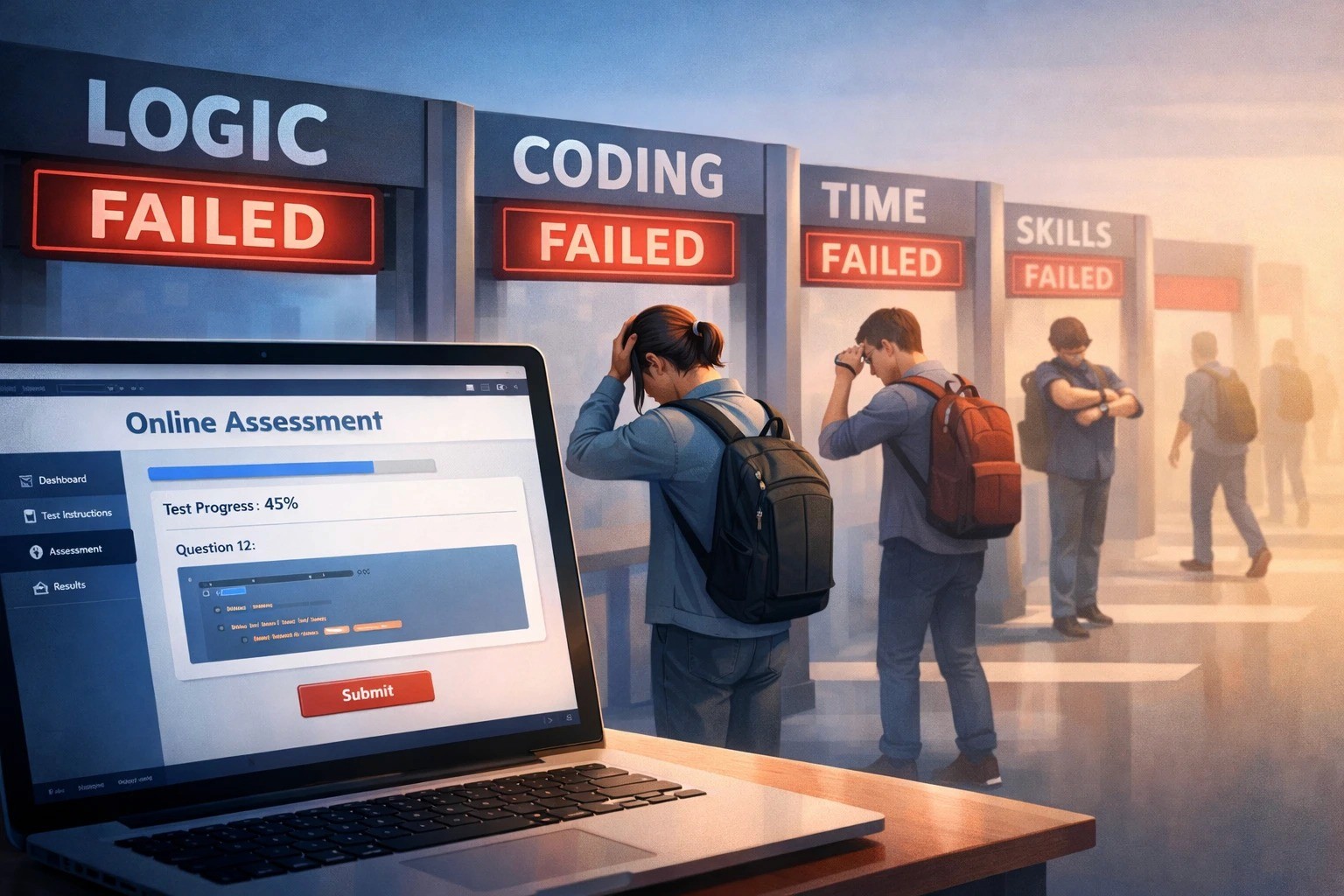
Introduction: “I cleared the online assessment, but I was still rejected. Why?”
This is one of the most common questions freshers ask after campus drives and off-campus applications. You prepare for weeks, clear the online assessment, feel confident—and then receive a rejection email or hear nothing back.
The truth is uncomfortable but important to understand: clearing an online assessment does not mean you are selected. In the Indian IT hiring process, online tests are only the first filtering stage, not the final decision.
This article explains the real reasons freshers are rejected after online assessments, especially in the Indian job market, and what you can do to avoid the same outcome next time.
1. Online Assessments Are Filtering Tools, Not Selection Rounds
Most large IT services companies and product firms use online assessments to reduce the number of applicants, not to finalise hiring.
For example:
5,000 students apply
2,000 clear the online test
Only 200–300 are shortlisted for interviews
So even if you “pass,” you may not be in the top-performing group.
Many freshers assume passing the cutoff guarantees an interview. In reality, companies rank candidates based on:
Score
Speed
Accuracy
Section-wise performance
If your score is just above the cutoff, you may still be dropped.
What you should do:
Aim to score high, not just clear. Practice timed tests and work on accuracy, not guesswork.

2. Resume Screening Happens After the Test
This surprises many freshers.
After the online assessment, recruiters often screen resumes again to decide who actually gets interview calls.
Common resume problems:
Generic skill lists (“Java, Python, SQL”) with no proof
No projects or very weak projects
Copy-paste descriptions
No GitHub or portfolio links
If two candidates score similarly, the one with better projects and clearer resume moves ahead.
Example:
A fresher with slightly lower test marks but two solid projects may be preferred over someone with a higher score but no practical work.
What you should do:
Treat your resume as a verification document, not a formality. Every skill listed should be backed by:
A project
A practical example
Something you can explain confidently
3. Online Test Monitoring and Fairness Checks
Most online assessments today use monitoring tools to identify unfair practices or unusual behaviour during the test.
You may be flagged (sometimes unfairly) due to:
Looking away from the screen repeatedly
Background movement or noise
Switching tabs or windows
Multiple screens connected
Poor camera angle or lighting
Even if you solved questions correctly, a proctoring flag can quietly remove your profile from consideration.
What you should do:
Use a quiet room
Keep your face clearly visible
Avoid unnecessary movement
Don’t switch tabs unless allowed
Read instructions carefully before starting
4. Sectional Cutoffs You Didn’t Notice
Some companies apply hidden sectional cutoffs, even if they don’t mention them clearly.
You may have:
Strong aptitude
Decent coding
Very weak fundamentals (or vice versa)
If one section is too low, your overall score won’t help.
Common weak areas for freshers:
SQL basics
Output-based programming questions
Logical reasoning under time pressure
What you should do:
Balance your preparation. Don’t ignore sections you dislike—companies expect minimum competence everywhere.
5. Memorised Patterns vs Real Understanding
Many freshers prepare by memorising:
Common coding patterns
Previously asked questions
Shortcut tricks
Online assessments increasingly include slightly twisted questions to check real understanding.
Candidates who memorise without understanding:
Get stuck when the question changes slightly
Fail edge cases
Write code that works only for sample inputs
What you should do:
Focus on fundamentals:
Why a solution works
What happens with edge cases
Basic time and space awareness
This matters more than knowing advanced algorithms.
6. Poor Code Quality (Even If the Logic Is Correct)
Some platforms auto-evaluate code quality factors like:
Handling edge cases
Clean structure
Correct output formatting
Time limits
Your solution may be logically correct but still fail hidden test cases.
Example:
Not handling empty input, large values, or unexpected formats can lead to rejection.
What you should do:
Practice writing:
Defensive code
Clear variable names
Simple, readable logic
Remember: interviewers imagine you writing production code, not exam answers.
7. Profile–Role Mismatch
Not all fresher roles are the same.
Some roles prioritise:
Communication and customer handling (support roles)
Testing mindset (QA roles)
Strong coding and design thinking (developer roles)
If your profile signals a mismatch, you may be dropped after the test.
Example:
A resume focused only on frontend UI may not suit a backend-heavy role, even if the test score is good.
What you should do:
Tailor your resume and preparation to the specific role, not “IT jobs” in general.
8. Early Communication Red Flags
Sometimes rejection happens after a short HR interaction or written communication.
Common issues:
Inability to explain your project clearly
Overconfidence without proof
Very unclear answers to basic questions
Poor professional communication
You don’t need perfect English—but you must be clear and structured.
What you should do:
Prepare:
A 60-second self-introduction
A simple explanation of your best project
Clear answers to “Why this role?”
9. High Competition and Limited Slots
This is the hardest truth.
Even good candidates get rejected because:
There are too many applicants
Interview slots are limited
Hiring targets are small
This is common in campus drives and off-campus fresher hiring.
What you should do:
Never depend on one company. Build a pipeline:
Apply consistently
Improve your profile continuously
Learn from every rejection
A Practical Checklist After Every Assessment
After an online test, immediately:
Review which sections felt weak
Improve one resume project
Fix your proctoring setup
Practice explaining your solutions aloud
Prepare for interviews before results are out
Conclusion: Rejection Is Feedback, Not a Final Judgment
Being rejected after an online assessment does not mean you are not capable. It usually means:
Your score wasn’t competitive enough
Your resume didn’t prove job readiness
Or your profile didn’t match the next round
Freshers who treat assessments as feedback loops, not verdicts, improve faster and eventually get selected.
Neutral Takeaway
Focus on strong fundamentals, real projects, and clear communication. Online assessments are just the door—what gets you through is what you bring beyond the test
Join WhatsApp Groups for Updates
Group 1: CLICK HERE> https://chat.whatsapp.com/KAXuSLpag96DcdMDsphFrO
📢 Don’t forget to forward this message to your friends and help them kick-start their careers