How to Build a Real-World Software Project as a Fresher in 2026
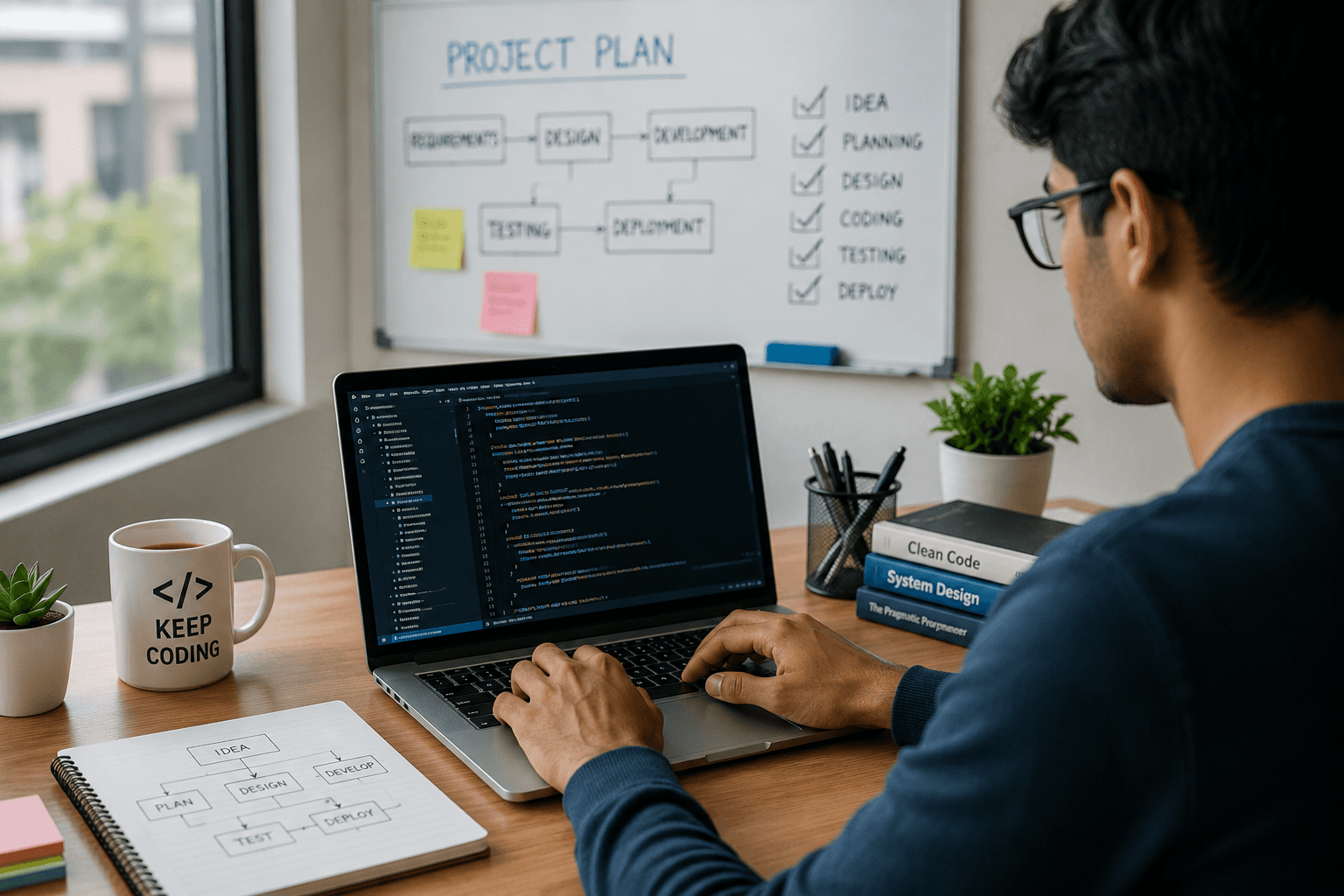
Learning programming is important, but there is a point where every aspiring developer needs to move from learning concepts to building something real.
You may know Java, Python, JavaScript, SQL or another technology. But when you build an application from an idea, you learn something different: how technologies work together to solve an actual problem.
For freshers, a practical software project can demonstrate much more than a list of technologies on a resume.
It can show your ability to:
Understand a problem
Plan a solution
Choose appropriate technologies
Design features
Work with databases
Write and organize code
Test an application
Fix errors
Document your work
Improve the product based on feedback
A strong project does not have to be extremely complicated. It needs to be useful, understandable, functional and genuinely yours.
Why Real-World Projects Matter
There is a big difference between completing a tutorial and building an application independently.
A tutorial usually tells you:
What to build → What code to write → What result to expect
A real project requires you to decide:
What problem to solve → What features are needed → How to build it → How to test it → How to improve it
That second process develops practical problem-solving skills.
It also gives you something concrete to discuss when applying for entry-level software development roles.
Start With a Problem, Not a Technology
One of the most common mistakes beginners make is starting with a technology.
For example:
"I want to make a Spring Boot project."
That is not a project idea yet.
Instead, start with a problem:
"Students need a simple way to find and track suitable learning opportunities."
Now you can think about what the application should actually do.
A good project idea should answer:
Who will use it?
What problem does it solve?
Why is the problem worth solving?
What information does the application need?
What actions should users be able to perform?
This approach helps you avoid building projects that exist only to demonstrate a technology.
Choose a Project You Can Actually Finish
Your first project does not need 30 features.
In fact, too many features can make a beginner project difficult to complete.
Start with a Minimum Viable Product (MVP).
For example, suppose you want to build a job portal.
Your first version might include:
User registration
Login
Job listing
Job search
Job application
Basic recruiter functionality
You can add advanced features later.
This is better than spending months planning a huge application that never becomes functional.
Define the Main Users
Before writing code, identify who will use your application.
For a job portal, you might have:
Job Seeker
Creates an account
Searches for jobs
Views job details
Applies for jobs
Recruiter
Creates an account
Posts jobs
Views applications
Manages job listings
Once you understand the users, it becomes easier to decide which features are actually necessary.
Write the Requirements Before Coding
You do not need a complicated business document.
A simple requirements list is enough.
For example:
User Registration
User enters name
User enters email
User creates password
System validates information
Account is created
Job Search
User enters a keyword
System searches available jobs
Matching jobs are displayed
User can open job details
Writing requirements first prevents random development.
It also helps you identify missing features before they become coding problems.

Break the Project Into Modules
A large application becomes easier to manage when divided into smaller components.
For example:
Job Portal
Authentication
User Management
Job Management
Search
Applications
Database
Notifications
Admin Management
You do not have to develop everything simultaneously.
Build one module, test it, and then move to the next.
Choose Your Technology Stack Carefully
Do not select technologies simply because they are popular.
Choose technologies that match:
Your career goal
Project requirements
Current skill level
Learning objectives
Project complexity
For example, a Java Full Stack project could use:
Java
Spring Boot
REST APIs
SQL
HTML
CSS
JavaScript
A different project might require a different stack.
The best technology is not necessarily the newest technology.
The best choice is the one you can understand, use effectively and explain confidently.
Design the Database Before Building Everything
If your project uses data, think about the database structure early.
For a simple job portal, you might need tables such as:
Users
Jobs
Companies
Applications
Skills
Then think about relationships.
For example:
One recruiter → Multiple job postings
One job → Multiple applications
One user → Multiple applications
A basic database design can prevent significant restructuring later.
Build the Backend Step by Step
Once the requirements and data structure are clear, start implementing the backend.
For a typical application, the backend may handle:
Authentication
Business logic
Database operations
Validation
APIs
Error handling
For a Java Spring Boot application, you might organize the project into layers such as:
Controller
Service
Repository
Entity/Model
The exact architecture can vary depending on the project.
The important thing is to understand why each part exists rather than copying an architecture without understanding it.
Build the Frontend Around User Needs
A good frontend is not simply about making a page look attractive.
It should make the application easy to use.
Consider:
Clear navigation
Readable content
Useful forms
Meaningful buttons
Proper validation messages
Responsive layouts
Consistent design
Ask yourself:
"Can a new user understand what to do without someone explaining the application?"
If the answer is no, improve the interface.
Connect Frontend, Backend and Database
This is where a project starts becoming a complete application.
A simplified flow might look like:
User
↓
Frontend
↓
REST API
↓
Backend
↓
Database
↓
Response

For example:
A user searches for a Java developer position.
The frontend sends the request to the backend.
The backend processes the request and queries the database.
The database returns matching records.
The backend sends the response.
The frontend displays the results.
Understanding this complete flow is valuable for a full stack developer.
Add Validation and Error Handling
A project is not complete simply because the successful path works.
Think about what happens when something goes wrong.
For example:
What if the email is empty?
What if the password is incorrect?
What if a job does not exist?
What if the database is unavailable?
What if the user submits invalid information?
What if the same account already exists?
Good applications expect errors.
Add appropriate:
Input validation
Error messages
Exception handling
API response handling
Database validation
This makes your project more realistic.
Don't Ignore Security
Security should not be treated as something to think about only after the application is finished.
NIST's Secure Software Development Framework recommends integrating secure development practices into the software development lifecycle to reduce vulnerabilities and address security issues throughout development. NIST's current SSDF project also includes guidance for secure software development practices and has been updated with additional material in 2026.
For a beginner project, start with fundamentals:
Never hard-code passwords
Never expose API keys
Validate user input
Use appropriate authentication practices
Protect sensitive information
Keep dependencies updated
Avoid exposing unnecessary data
You do not need to become a cybersecurity expert before building your first application.
But you should develop the habit of thinking about security from the beginning.
Test Before Calling It Complete
One of the biggest differences between a practice project and a serious project is testing.
Do not only test:
"Does it work when I use it correctly?"
Also test:
"What happens when I use it incorrectly?"
Create test cases for:
Valid input
Invalid input
Empty input
Duplicate information
Incorrect login
Missing records
Invalid requests
Unexpected situations
Testing helps you discover problems that are easy to miss during development.
Use Git From the Beginning
Do not wait until the project is finished to start version control.
Git allows you to track changes as you develop.
A simple workflow can be:
Create project → Make a change → Test → Commit → Continue
GitHub describes repositories as places where project code, files and revision history can be stored and managed.
This is useful because you can:
Track changes
Restore earlier versions
Organize development
Collaborate with others
Maintain a public project portfolio when appropriate
Write Documentation While Building
Do not leave documentation until the last day.
Keep notes about:
Project purpose
Features
Technology stack
Database
API endpoints
Setup instructions
Important decisions
Known limitations
At the end, these notes can become your project README.
Good documentation also helps another developer understand what you built.
Use AI Without Losing Your Own Understanding
AI tools can accelerate development, but they should not replace your learning.
You can use AI to:
Explain errors
Suggest approaches
Generate test cases
Review code
Improve documentation
Help understand unfamiliar concepts
But always review the output.
Ask yourself:
Why does this code work?
Is it secure?
Is it efficient enough?
Does it match my project?
Can I explain it in an interview?
If you cannot explain the code, you should not blindly add it to your project.
Add Features Based on Real Value
After the basic version works, look for meaningful improvements.
For a job portal, possible improvements could include:
Advanced job filters
Resume upload
Email notifications
Application tracking
Admin dashboard
Saved jobs
Search suggestions
Role-based access
Do not add features simply to make the project appear bigger.
Ask:
"Does this feature improve the user's experience?"
If yes, consider adding it.
Get Feedback Before Publishing
A project can look complete to the developer who built it but still confuse a new user.
Ask another person to try it.
Watch what happens.
Do they understand:
Where to register?
Where to log in?
How to perform the main action?
What each button does?
What happens after submitting a form?
Their questions can reveal usability problems you did not notice.
Create a Strong Project Portfolio
Once you have completed the application, present it professionally.
Your project page should clearly explain:
Project Name
What did you build?
Problem
What problem does it solve?
Features
What can users do?
Technology
What technologies were used?
Architecture
How does the system work?
Screenshots
What does the application look like?
Demo
Is there a working demonstration?
Repository
Where can the code be reviewed?
Future Improvements
What could be added later?
This makes your project much easier to understand.
Project Ideas for IT Freshers
If you are not sure what to build, start with a problem you understand.
Some practical ideas include:
Student Learning Management System
Job Application Tracker
Employee Management System
Expense Management Application
Online Course Platform
Appointment Booking System
Inventory Management System
Event Registration Platform
Task Management Application
Placement Management System
Choose one and build it properly rather than starting ten projects and finishing none.
A Simple Project-Building Process
Use this workflow:
1. Find a problem
Identify a genuine user need.
2. Define the users
Understand who will use the application.
3. List requirements
Write down the essential features.
4. Create the basic design
Plan the screens, database and application flow.
5. Select the technology
Choose a stack you can understand and use.
6. Build the MVP
Develop the most important features first.
7. Test
Check both normal and incorrect scenarios.
8. Improve
Fix problems and add valuable features.
9. Document
Explain what you built and how it works.
10. Publish
Share the project when it is ready and safe to make public.
Common Mistakes Freshers Should Avoid
Avoid these mistakes when building projects:
Starting without defining the problem
Copying projects without understanding them
Choosing technologies only because they are trending
Building too many features
Ignoring database design
Skipping validation
Ignoring security
Not testing the application
Uploading passwords or API keys
Creating poor documentation
Leaving projects unfinished
Being unable to explain your own code
How to Know If Your Project Is Good Enough
Ask yourself these questions:
✓ Does the project solve a clear problem?
✓ Can another person understand its purpose?
✓ Does the main functionality actually work?
✓ Can I explain the architecture?
✓ Can I explain the database?
✓ Can I explain my code?
✓ Have I tested important scenarios?
✓ Have I handled common errors?
✓ Is sensitive information protected?
✓ Is the project documented?
✓ Can I explain what I would improve next?
If you can answer yes to most of these, you have moved beyond a simple tutorial project.
How VibrantMinds Can Help Learners Become Project-Ready
For freshers, learning multiple technologies is only the beginning.
The more important step is learning how those technologies work together to create practical applications.
At VibrantMinds Technologies, a Java Full Stack learning path can cover areas such as:
Core Java
Advanced Java
Java 8
Data Structures and Algorithms
SQL
Hibernate
Spring
Spring Boot
REST APIs
Spring MVC
HTML
CSS
JavaScript
A practical learning approach can help students move from:
Learning concepts → Practising skills → Building projects → Understanding implementation → Preparing for interviews
The objective should be to build projects that learners can genuinely understand and confidently discuss.
Quick Project Checklist
Before adding a project to your resume, check:
✓ Clear problem statement
✓ Defined users
✓ Functional core features
✓ Appropriate technology stack
✓ Database design
✓ Input validation
✓ Error handling
✓ Basic security practices
✓ Testing
✓ Git version control
✓ Documentation
✓ Screenshots or demo where useful
✓ Clear explanation of your contribution
Frequently Asked Questions
What is a good software project for a fresher?
A good fresher project solves a clear problem and uses technologies relevant to the role you want. A job portal, employee management system, learning platform or expense application can be useful examples if they are properly developed and documented.
How many projects should a fresher build?
There is no fixed number. Two or three well-developed projects can be more valuable than many incomplete projects.
Should I copy a project from YouTube or GitHub?
You can use tutorials as learning resources, but you should not present copied work as entirely your own. Modify the project, understand the implementation and be honest about your contribution.
Should freshers build projects using AI?
AI can be used as a development and learning assistant. However, you should review, test and understand any code you use. A project is valuable only when you can explain how it works.
Do I need to deploy my project?
Deployment can make a project easier to demonstrate, but it is not mandatory for every project. A well-documented repository can still demonstrate your development skills.
Should a fresher focus on project quality or project quantity?
Focus on quality. A smaller number of functional, documented and understandable projects is generally more useful than a large collection of unfinished work.
What should I include in a project README?
Include the project's purpose, features, technology stack, setup instructions, usage information, screenshots or demo details where appropriate, and any important limitations or future improvements.
How long should a software project take to build?
It depends on the project's complexity, your skill level and the time available. Start with a small version that you can finish, then improve it gradually rather than trying to build everything at once.
Final Thoughts
Your first software project does not need to look like a product built by a large technology company.
It needs to show that you can take an idea and turn it into something functional.
Start small.
Understand the problem.
Plan before coding.
Build one feature at a time.
Test what you create.
Think about security.
Document your work.
Learn from mistakes.
Then improve the project.
The real value of a project is not how many lines of code it contains.
It is what you learned while turning a problem into a working solution.
For an IT fresher, that journey can become one of the strongest ways to demonstrate practical development ability beyond a list of skills on a resume.


